What is Tiny Bunny PC?
Tiny Bunny is a non-linear horror visual novel. Those, who have heard the voice of the forest, are beyond help. This page focuses specifically on the PC (Windows) version of the game, including prices, regions, activation methods and compatible storefronts.
How can I find the best price for Tiny Bunny PC?
We track live prices for Tiny Bunny PC from official retailers and trusted third-party marketplaces. Use the country, platform and service filters below to compare offers side by side and quickly spot the cheapest key that works in your region.
How do I redeem a Tiny Bunny PC game key?
After you buy a Tiny Bunny PC game key, you'll receive a secure digital code (often called a CD key or activation key). Redeem it through the correct platform client — for example Steam, PlayStation, Xbox or another supported launcher — and the game will be added to your library for download. Always double-check platform and region compatibility before you purchase to avoid activation issues.
About Tiny Bunny PC
Tiny Bunny is a non-linear horror visual novel. Those, who have heard the voice of the forest, are beyond help.
Storyline
The story takes place in a quiet, unremarkable village lost among the Siberian forest. The protagonist, Anton, had recently moved there with his family and was almost immediately forced to witness and participate in a chain of unsettling events. It's a place where children go missing. The police are powerless, search teams are combing out the forest, but they find no traces. Why, then, is Anton repeatedly coming across prints, bloodstains, and scraps of clothing? It almost feels like someone is putting up a show just for him. He is haunted by nightmares at first, which grow more and more frightening and bloody every night. They also grow increasingly real ... and beckoning.
Game details
| Publisher | Saikono, Mars People Games |
| Developer | RUzura Interactive, Saikono |
| Genre | Indie, Adventure, Visual Novel |
| Game mode | single-player |
| Theme | Horror |
| Platforms | PC (Windows), Mac |
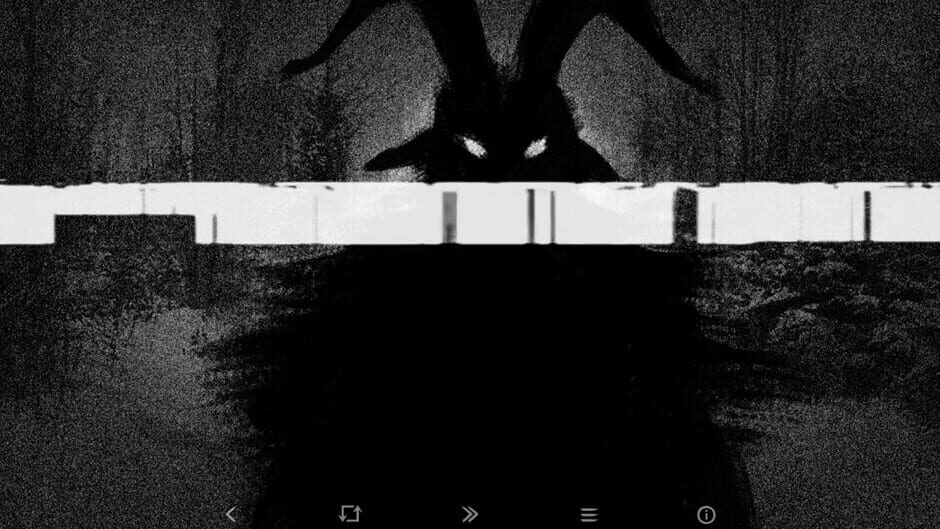
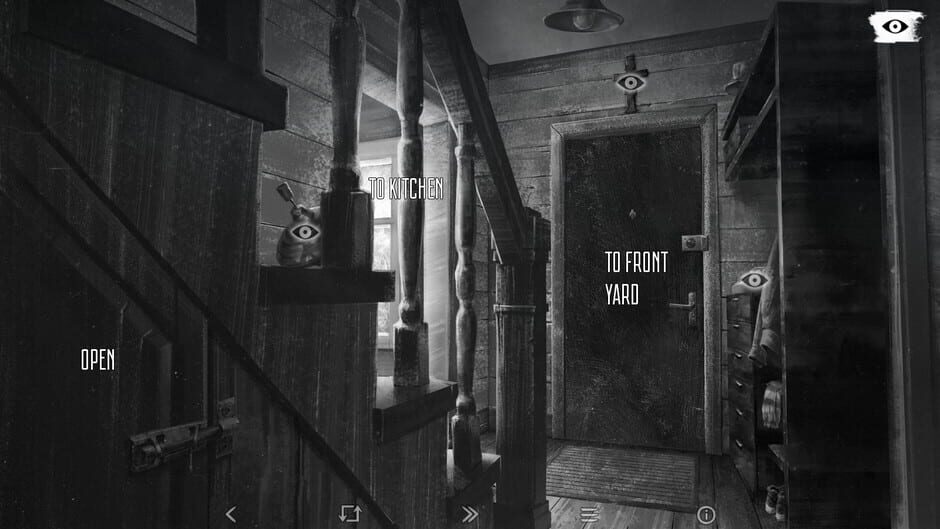
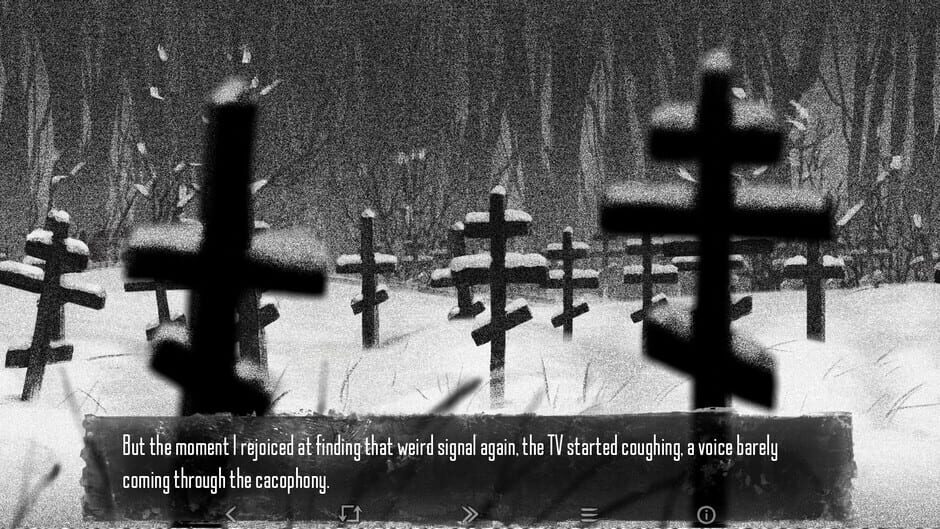
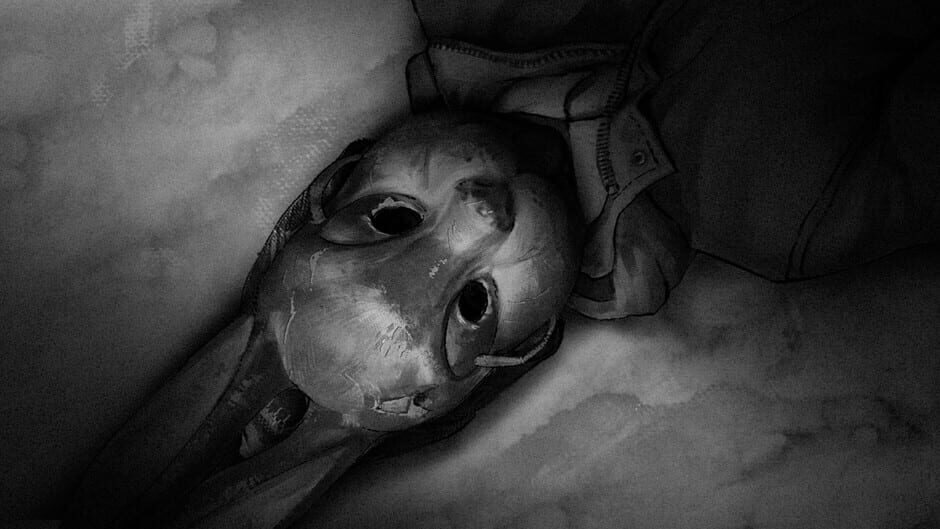
Screenshots from Tiny Bunny
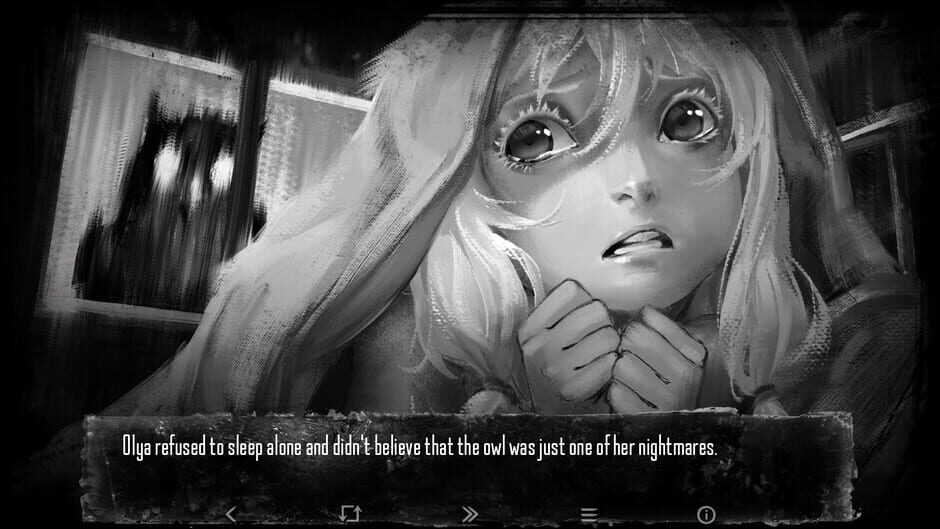
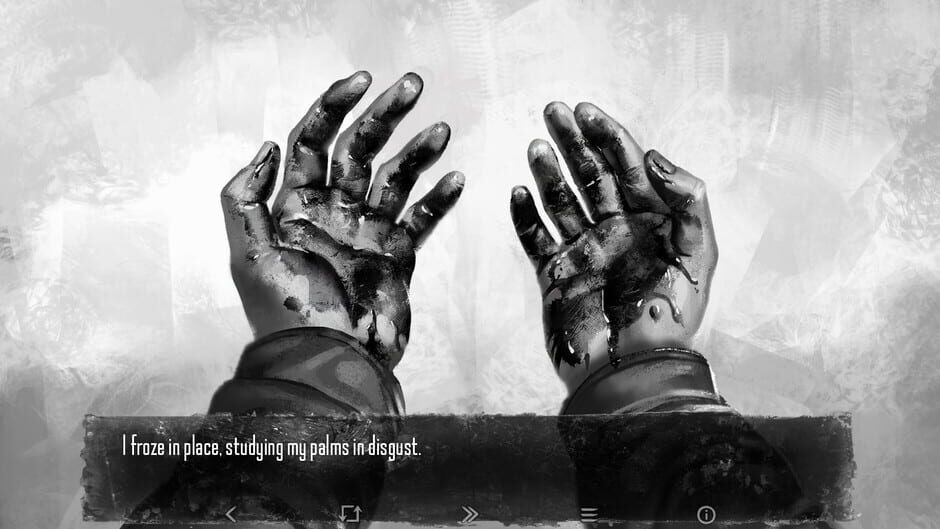
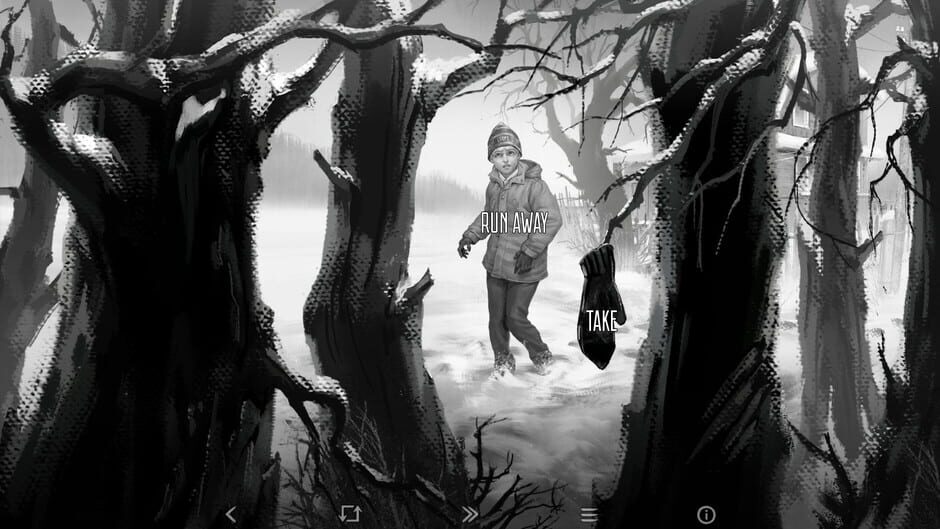
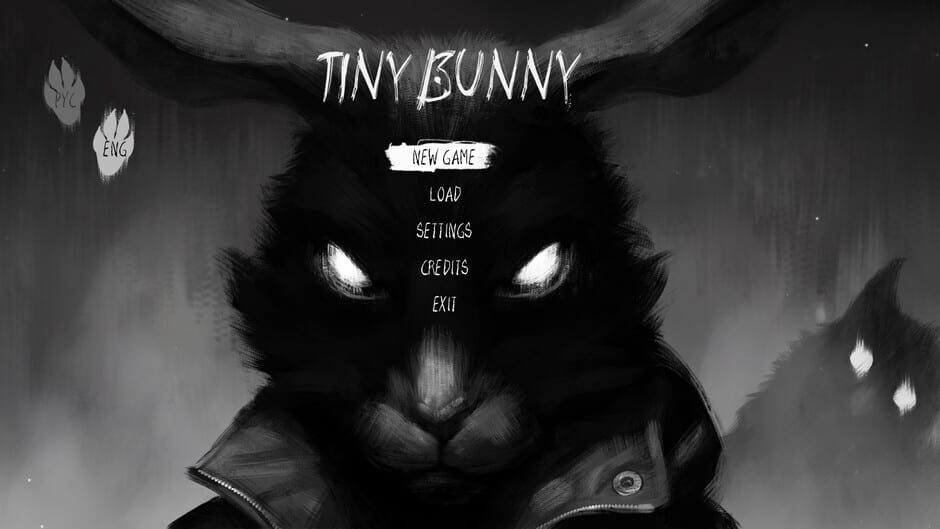

Tiny Bunny does not have any videos to show at this time.