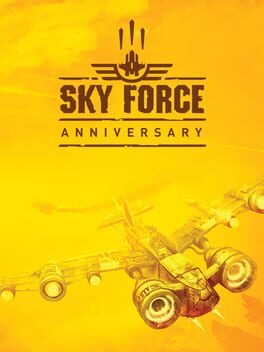
What is Sky Force Anniversary Linux?
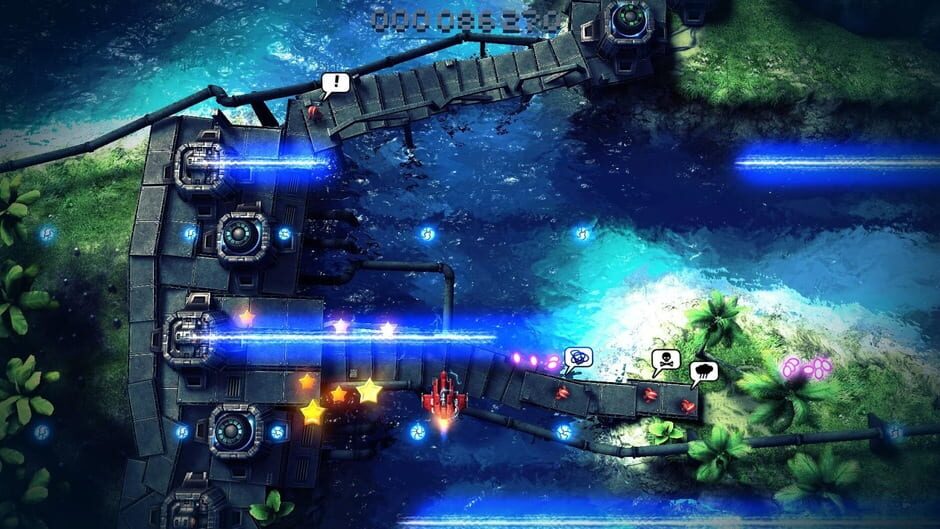
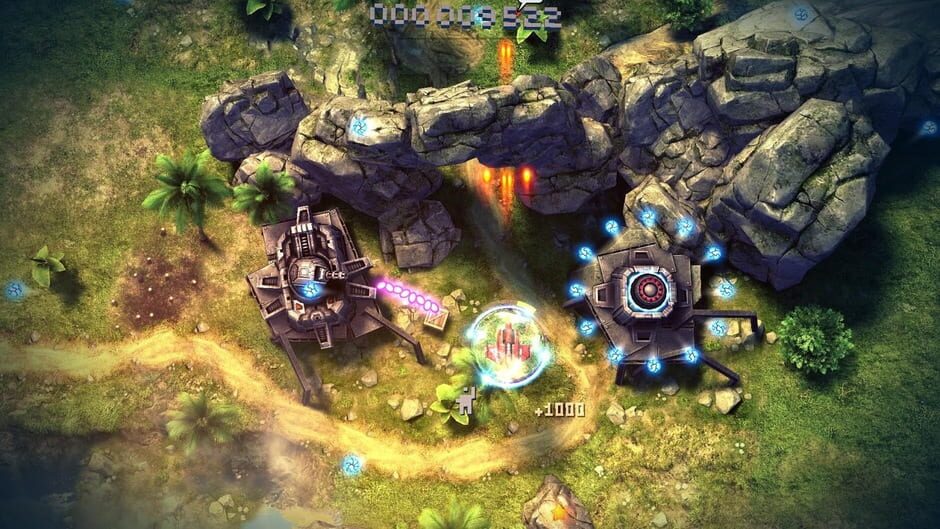
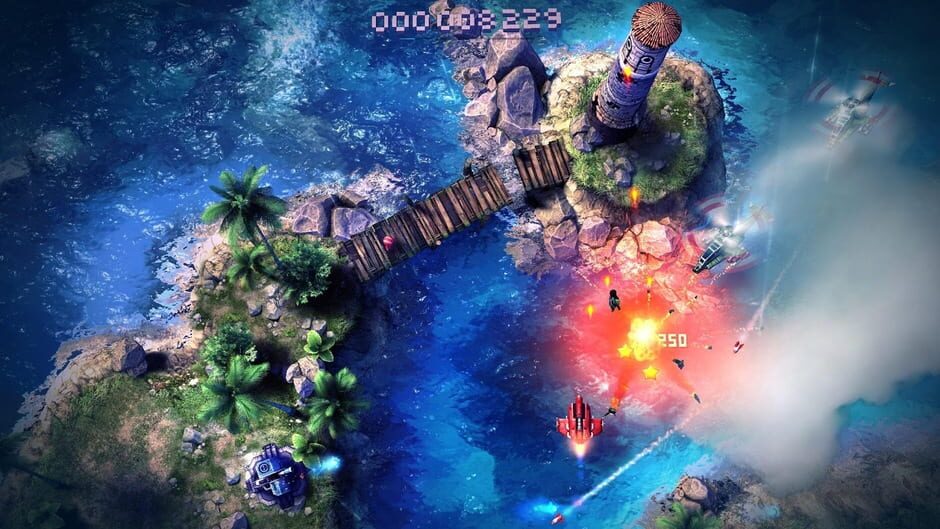
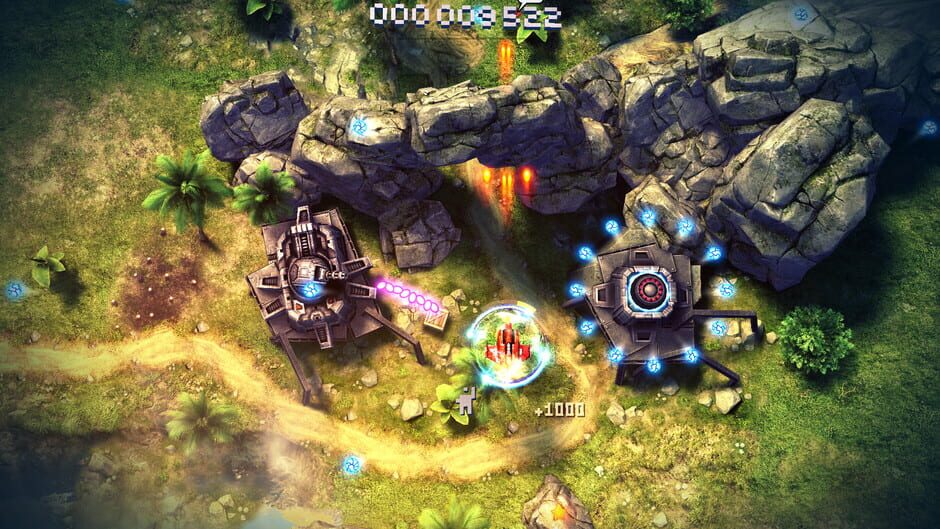
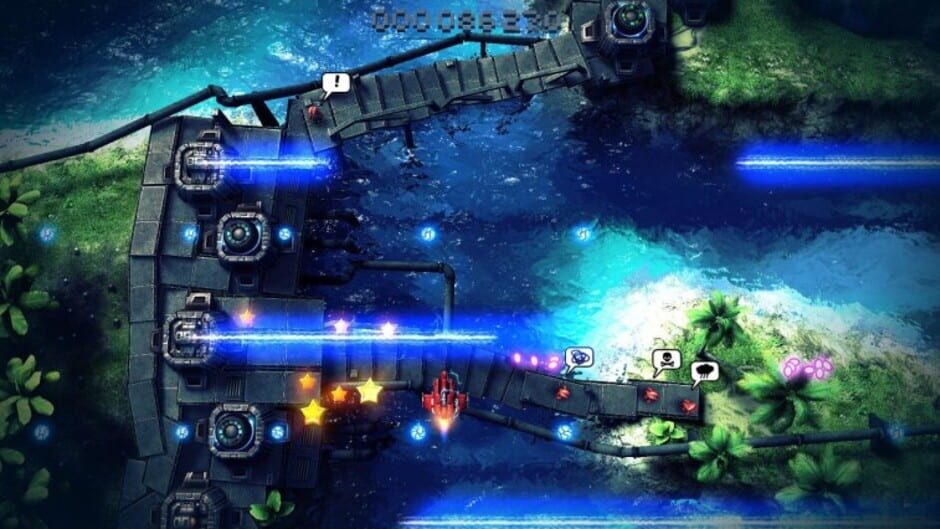
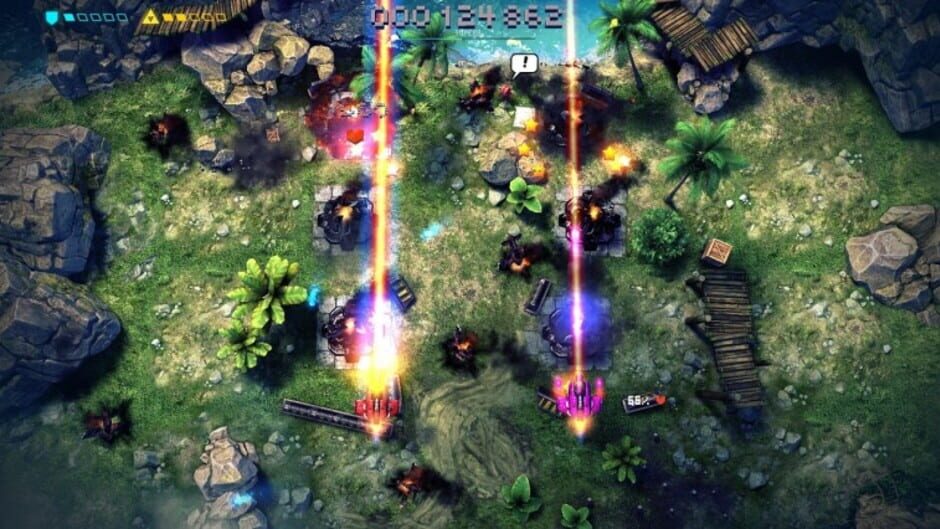
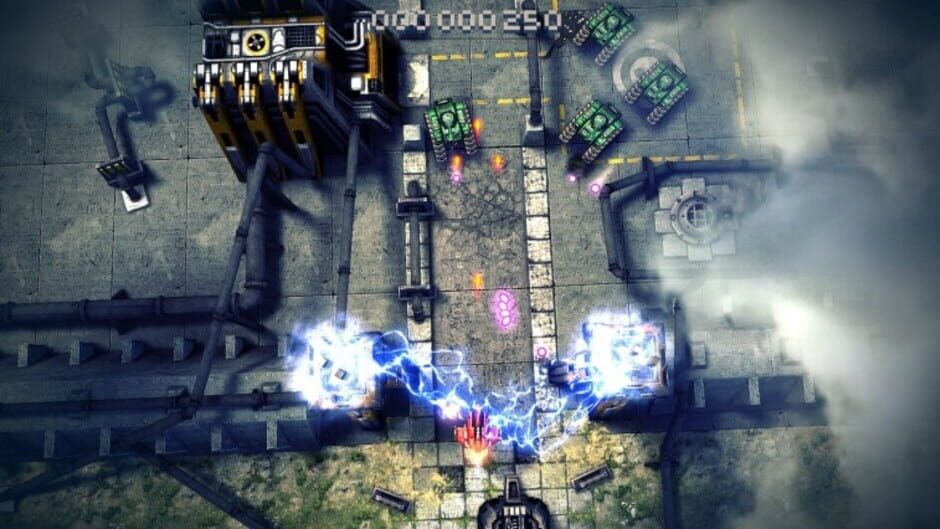
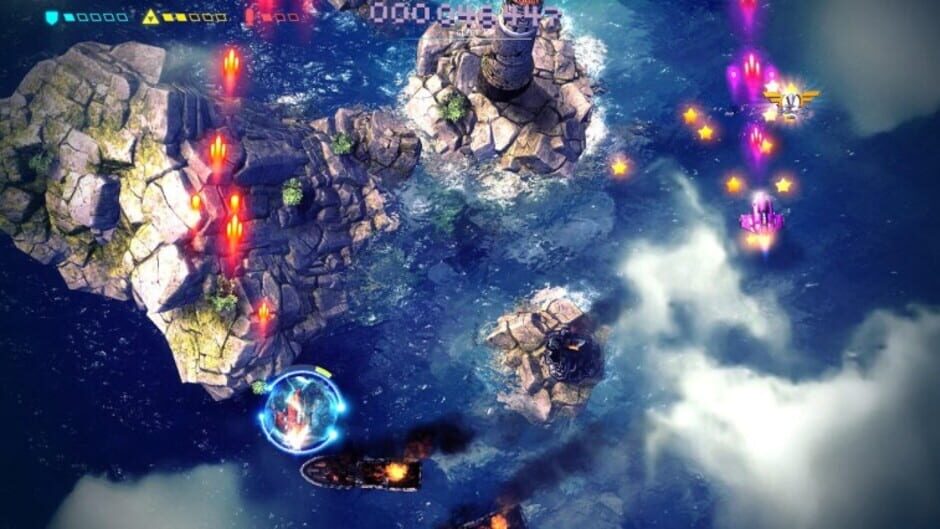
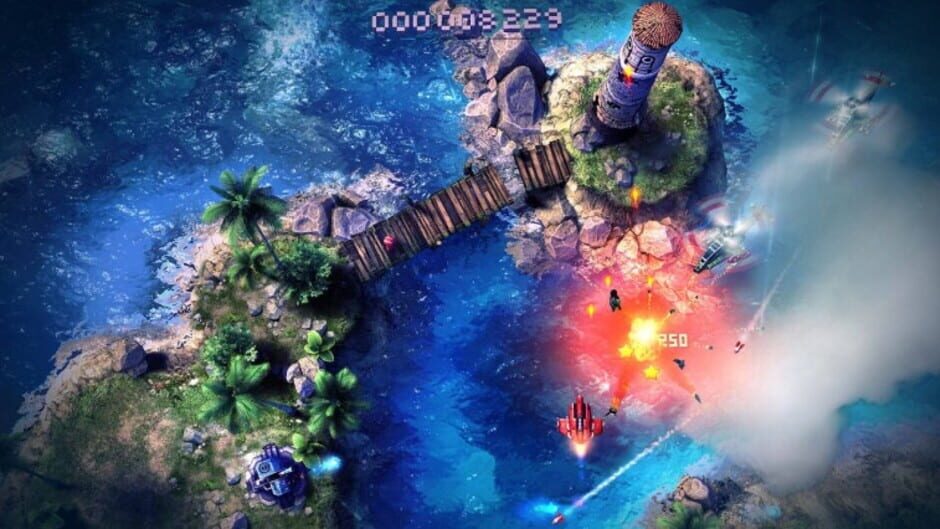
Legendary shoot-'em-up makes its way on the PCs! Abundant explosions, truly epic boss fights and beautifully crafted 3D environments are here to keep you entertained. Sky Force Anniversary offers single player experience and local cooperative mode for 2 players. This page focuses specifically on the Linux version of the game, including prices, regions, activation methods and compatible storefronts.
How can I find the best price for Sky Force Anniversary Linux?
We track live prices for Sky Force Anniversary Linux from official retailers and trusted third-party marketplaces. Use the country, platform and service filters below to compare offers side by side and quickly spot the cheapest key that works in your region.
How do I redeem a Sky Force Anniversary Linux game key?
After you buy a Sky Force Anniversary Linux game key, you'll receive a secure digital code (often called a CD key or activation key). Redeem it through the correct platform client — for example Steam, PlayStation, Xbox or another supported launcher — and the game will be added to your library for download. Always double-check platform and region compatibility before you purchase to avoid activation issues.
About Sky Force Anniversary Linux
Legendary shoot-'em-up makes its way on the PCs! Abundant explosions, truly epic boss fights and beautifully crafted 3D environments are here to keep you entertained. Sky Force Anniversary offers single player experience and local cooperative mode for 2 players.
Game details
| Publisher | Infinite Dreams |
| Developer | Infinite Dreams |
| Genre | Indie, Arcade, Shooter |
| Game mode | single-player, multiplayer, co-op |
| Theme | Action, Warfare |
| Platforms | iOS, PC (Windows), Nintendo Switch, Wii U, Mac, Android, PlayStation 3, PlayStation Vita, PlayStation 4, Xbox One, Linux |
Screenshots from Sky Force Anniversary