What is Elevator Warp PC?
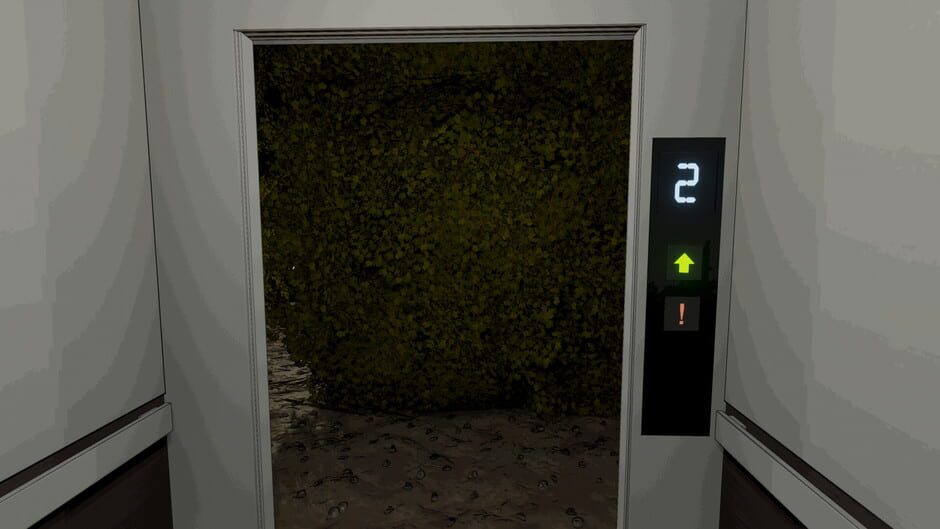
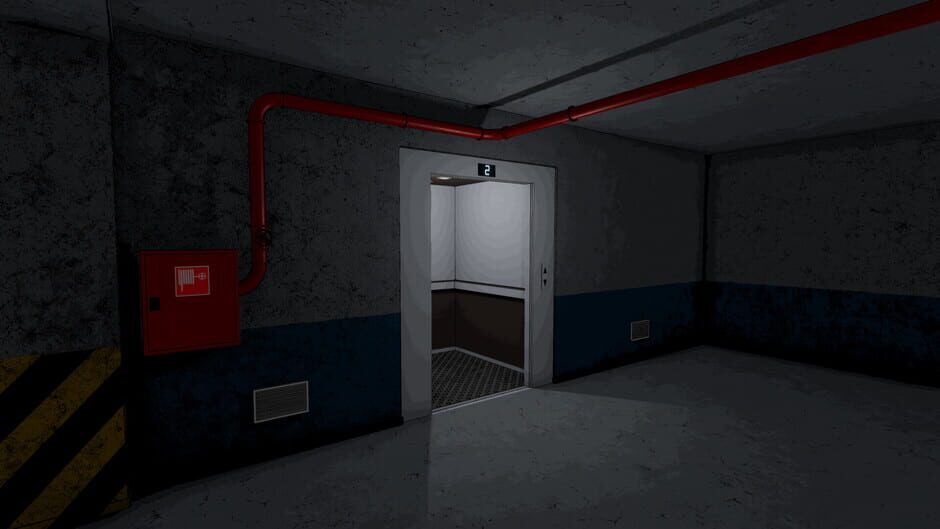
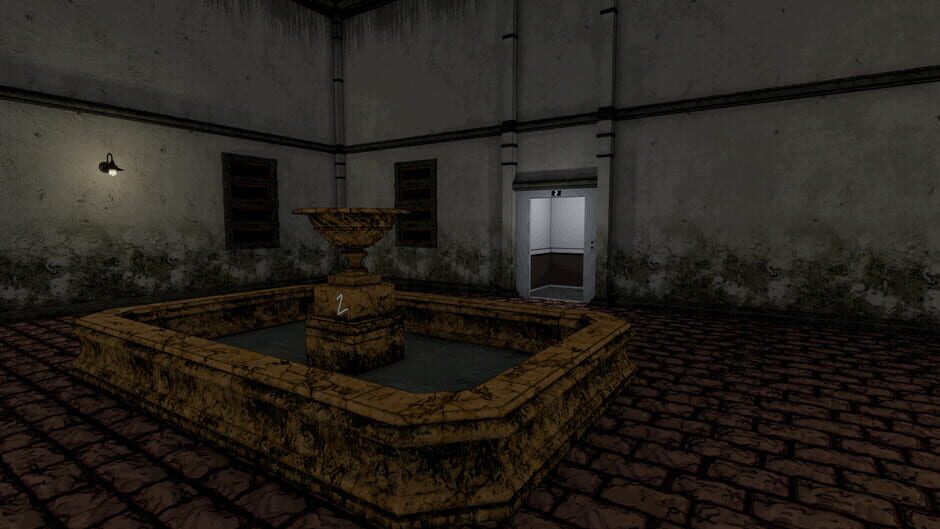
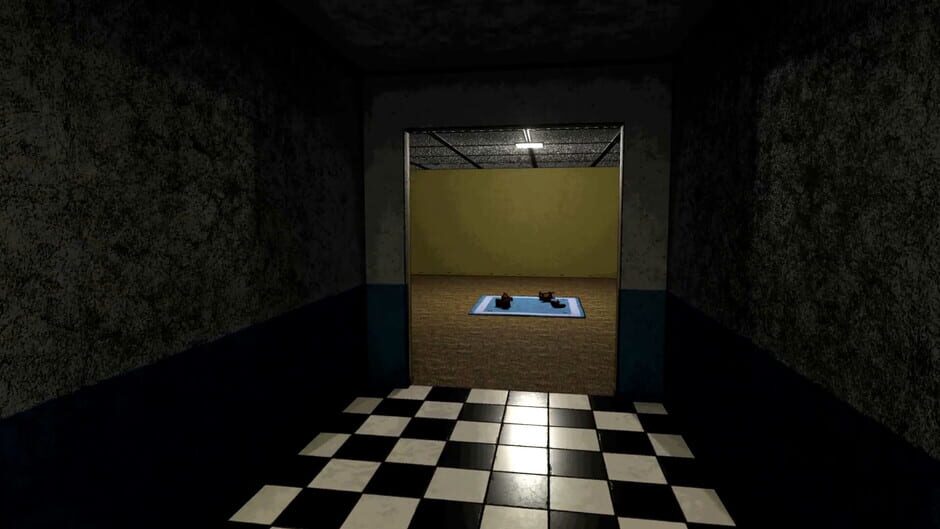
Your goal is simple. Take the elevator to floor 6. But this is no ordinary elevator... Who knows which random floor you'll end up at. A hotel, dungeon, hedge maze, a train? Check the clues on each floor to be able to progress, and achieve the perfect run! This page focuses specifically on the PC (Windows) version of the game, including prices, regions, activation methods and compatible storefronts.
How can I find the best price for Elevator Warp PC?
We track live prices for Elevator Warp PC from official retailers and trusted third-party marketplaces. Use the country, platform and service filters below to compare offers side by side and quickly spot the cheapest key that works in your region.
How do I redeem a Elevator Warp PC game key?
After you buy a Elevator Warp PC game key, you'll receive a secure digital code (often called a CD key or activation key). Redeem it through the correct platform client — for example Steam, PlayStation, Xbox or another supported launcher — and the game will be added to your library for download. Always double-check platform and region compatibility before you purchase to avoid activation issues.
About Elevator Warp PC
Your goal is simple. Take the elevator to floor 6. But this is no ordinary elevator... Who knows which random floor you'll end up at. A hotel, dungeon, hedge maze, a train? Check the clues on each floor to be able to progress, and achieve the perfect run!
Storyline
Your goal is simple. Take the elevator to floor 6. But this is no ordinary elevator... Who knows where you'll end up. A hotel, dungeon, hedge maze, a train? You must travel from floor 1 to 6, working out if each floor is valid or not. If a floor is not valid, you must press the emergency button and don't continue up, or you have to start all over again! How do you know if a floor is valid? If the elevator says you should be on a certain floor number, say floor 3, then any indication that you are actually on a floor of a different number is invalid! A floor will have numerical clues, and you must find and check each one before moving on to the next floor. These clues could be a written number on the wall or the number of objects in a pile, but they aren't always so simple.
Game details
| Publisher | A Little More Games |
| Developer | A Little More Games |
| Genre | Puzzle, Adventure, Strategy, Indie, Simulator |
| Game mode | single-player |
| Platforms | PC (Windows) |
Screenshots from Elevator Warp